Save the web. Push to Slides.↗
Pullhub is the Chrome extension that collects web references into project boards — then drops a whole board into Google Slides, auto-laid-out.
New to Pullhub? Start with the 5-minute guide →Works in Chrome and most Chromium-based browsers.
Ideas die
between tabs.
Screenshots, copied URLs, downloads, repeat. Pullhub keeps references moving straight into your board.
Three moves.
Zero busywork.
From saved reference to finished slide, Pullhub handles the dragging, copying and resizing.
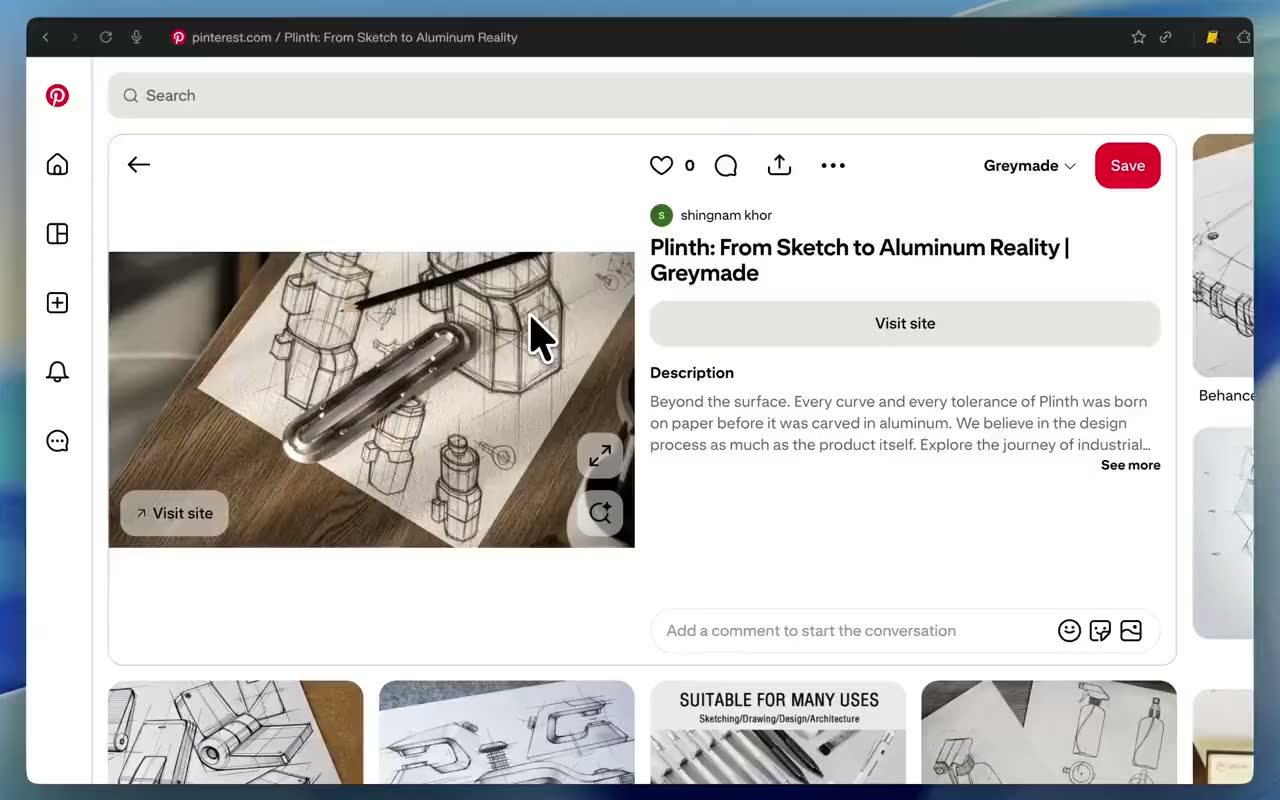
Pull anything off the web
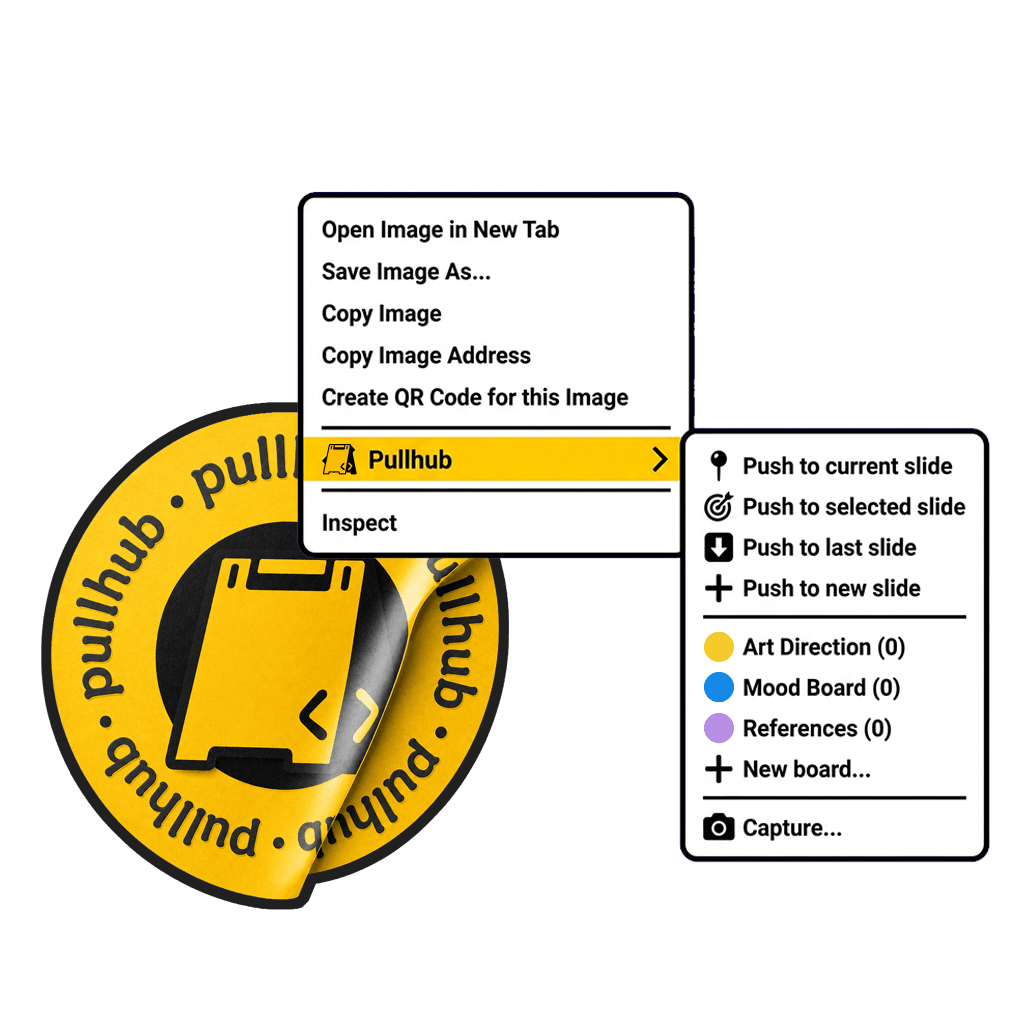
Right-click an image and save it straight into a board — instant, no busywork.
FallbackWhen direct save is not enough, area capture crops the exact slice and drops it on a board.
Save into project boards
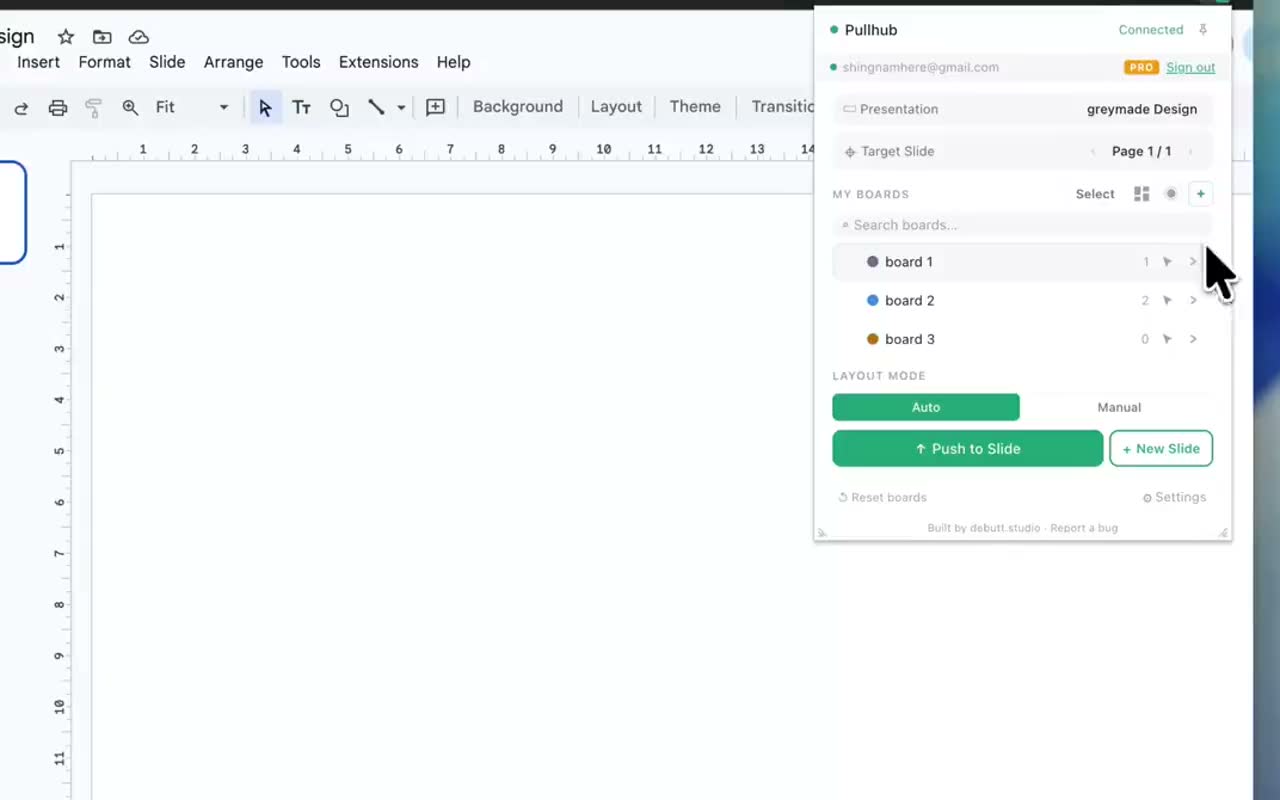
Drop references onto named, color-coded boards. Every idea lands in its own place without messy folders.
Push to Google Slides
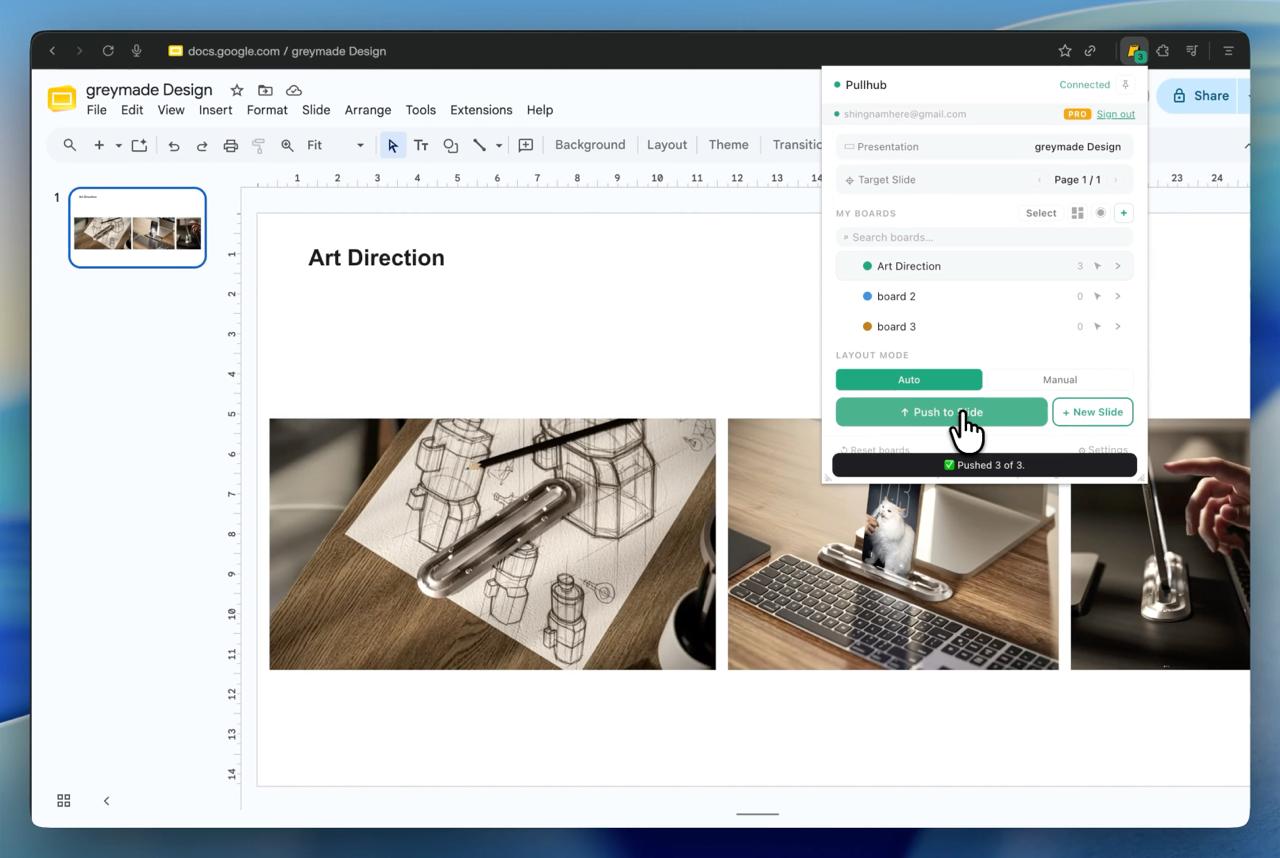
One click drops a whole board into Google Slides — onto the current slide, a slide you pick, or a brand-new one. Layout and resizing are automatic, and pushed images can keep a link back to their source page.
Board's ready?
Hand it off two ways.
A link for people to look. A ZIP for files to keep.
Share for review Pro
Generate a view-only link for any board. Clients and teammates open it in the browser — no account, no install. Share links are snapshots — re-share to publish updates.
Export as ZIP
Export the whole board as a ZIP of full-res files — for handoff, backup, or moving between machines.
Boards for every project phase.
Group references by project, phase, or direction. Reorder freely, color-code boards, use Pro public board sharing links, export a ZIP, or push selected references to Slides.

Start free. Upgrade when your projects grow.
Pro is built for heavier workflows, with more room for active projects, more export and sharing usage, and a 14-day free trial.
- ✓ Up to 4 boards
- ✓ 8 references to try the full flow
- ✓ Push to Google Slides
- ✓ ZIP Export
- ✓ More room for active projects
- ✓ More export & sharing usage
- ✓ Public board sharing links
- ✓ Everything in Free
Pull it. Save it.
Slide it.
Add Pullhub to Chrome free
Questions before installing?
Is Pullhub free?
Yes. You can start free. Pro is built for heavier workflows that need more room for active projects and more export and sharing usage.
Does Pullhub work outside Chrome?
Chrome is the officially supported browser. Pullhub should also work in many Chromium-based browsers such as Edge, Brave, Arc, and Comet, though some features and sign-in may depend on the browser.
Does Pullhub work with Google Slides?
Yes. Pullhub collects references from the web and pushes them into Google Slides.
Where are my boards saved?
Your boards are saved privately in your browser — nothing sits on our servers in v1. Export a ZIP anytime as a backup.
Can I share boards?
Yes — public board sharing links are part of Pro. In v1, share links are snapshot-based, so re-share when you want to update the public version.
Why does Pullhub need Google access?
Pullhub uses Google access to put your images into Slides. During Google sign-in, leave every requested Pullhub permission checked so Slides detection, image push, and Drive fallback uploads work correctly. Your other Google Drive files stay in your account.
Got a question?
We're a small studio and we read every message. Reach out and a real human will get back to you.